How to Open Modern Apps from Desktop in Windows 8 and 8.1
 Information
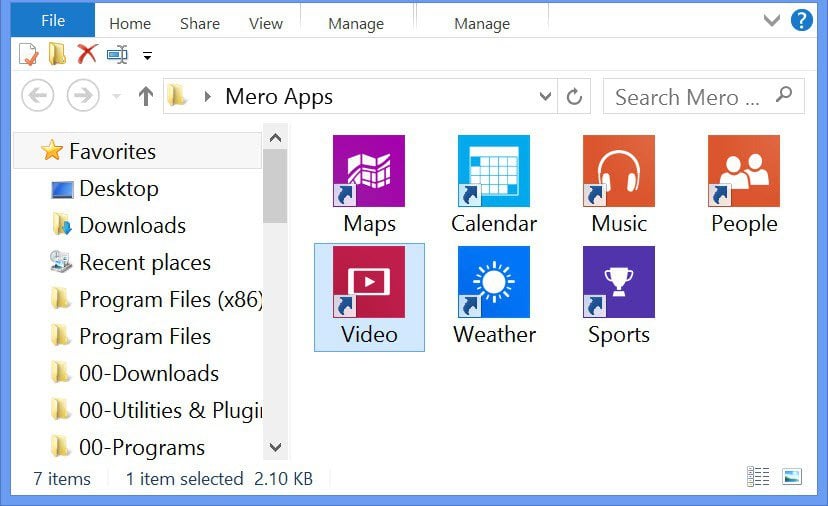
This tutorial will show you how to launch Metro apps from the desktop by creating a shortcut that can also be pinned to the taskbar.
EXAMPLE: Metro Apps
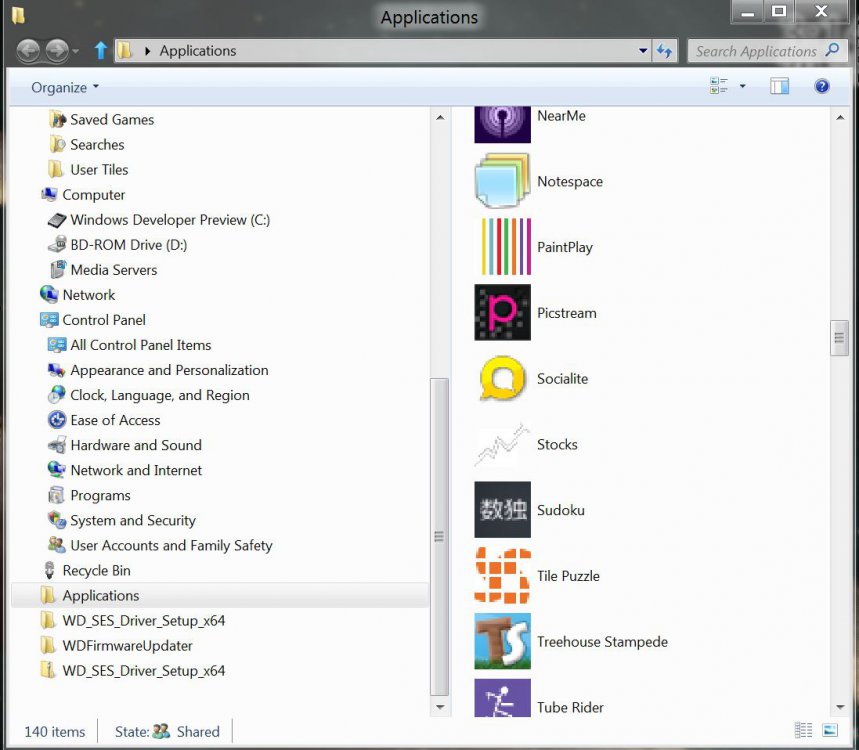
To Create a "Metro Apps" Shortcut in Windows 8
1. Right click on Desktop, and click on New and Shortcut.
2. Copy and paste the location below, and press Enter.
%windir%\explorer.exe shell:::{4234d49b-0245-4df3-b780-3893943456e1}
3. Type in Metro Apps for a name, and press Enter.
To pin to taskbar just right-click > Pin to Taskbar or drag there.
Here is a custom icon for your new shortcut.
View attachment Metro apps.zip
Related Tutorials
- How to Create Modern App Shortcuts in Windows 8 and 8.1
- How to Open the "Apps" Screen in Windows 8 and 8.1
- How to Create an "All Apps" Shortcut in Windows 8 and 8.1
- How to Create a "Bing" App Shortcut in Windows 8
- How to Create a "Calendar" App Shortcut in Windows 8 and 8.1
- How to Create a "Facebook" App Shortcut in Windows 8.1
- How to Create a "Finance" App Shortcut in Windows 8 and 8.1
- How to Create a "Food & Drink" App Shortcut in Windows 8.1
- How to Create a "Games" App Shortcut in Windows 8 and 8.1
- How to Create a "Health & Fitness" App Shortcut in Windows 8.1
- How to Create a "Mail" App Shortcut in Windows 8 and 8.1
- How to Create a "Maps" App Shortcut in Windows 8 and 8.1
- How to Create a "Messaging" App Shortcut in Windows 8
- How to Create a "Music" App Shortcut in Windows 8 and 8.1
- How to Create a "News" App Shortcut in Windows 8 and 8.1
- How to Create a OneDrive App Shortcut in Windows 8 and 8.1
- How to Create a "People" App Shortcut in Windows 8 and 8.1
- How to Create a Photos App Shortcut in Windows 8 and 8.1
- How to Create a "Reading List" App Shortcut in Windows 8.1
- How to Create a "Sports" App Shortcut in Windows 8 and 8.1
- How to Create a "Store" App Shortcut in Windows 8 and 8.1
- How to Create a "Travel" App Shortcut in Windows 8 and 8.1
- How to Create a "Video" App Shortcut in Windows 8 and 8.1
- How to Create a "Weather" App Shortcut in Windows 8 and 8.1
Attachments

Last edited by a moderator: