- Messages
- 4,370
- Location
- Belo Horizonte, MG, Brazil
What Antivirus works with this build ?
~updated 05/01/2011~
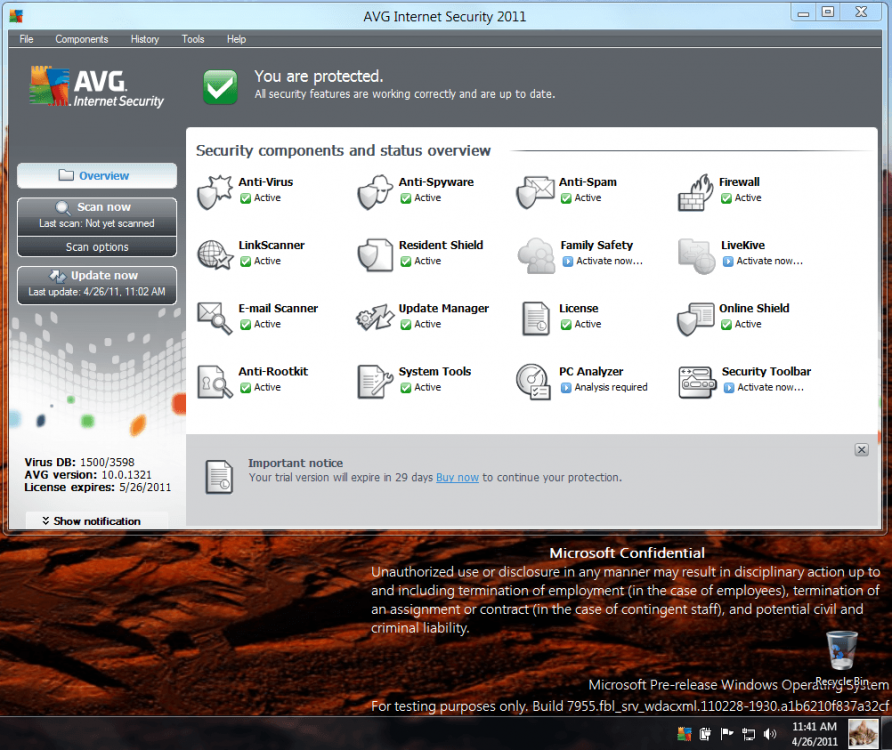
*AVG - Doesn't work on 7850 (Work on 7955)
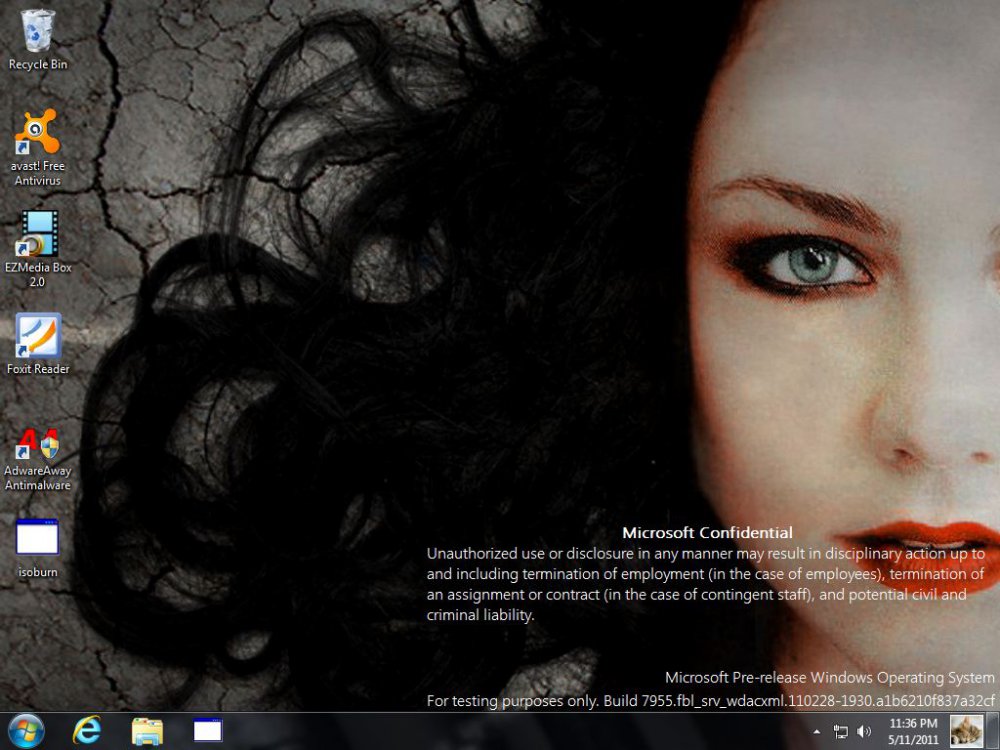
*Avast - Doesn't work on 7850 (Work on 7955)
*MSE - Doesn't install on 7850 (Install on 7955)
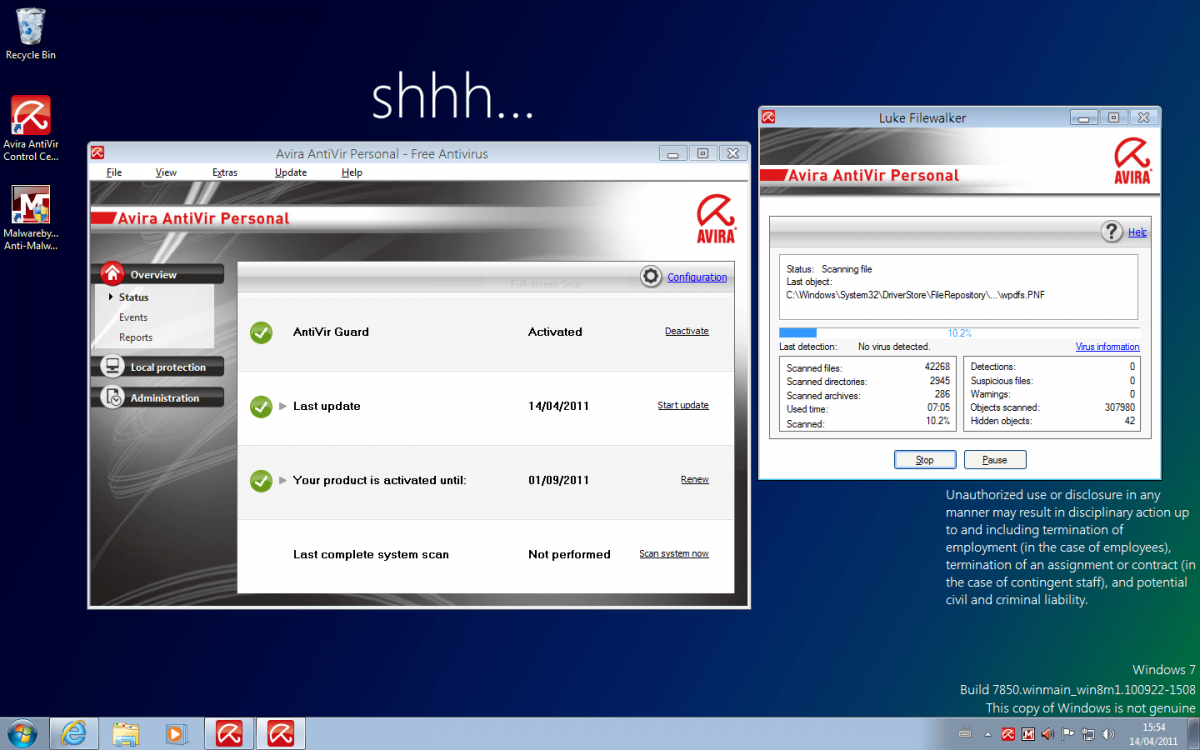
Avira - Works (reported by Dwarf)
PC Tools AV - Works
ClamWin - Works (no real time protection)
Panda Cloud Antivirus - Works (reported by Bill2)
NIS 2011 - Works (reported by yowanvista)
What else have you tryed?

~updated 05/01/2011~
*AVG - Doesn't work on 7850 (Work on 7955)
*Avast - Doesn't work on 7850 (Work on 7955)
*MSE - Doesn't install on 7850 (Install on 7955)
Avira - Works (reported by Dwarf)
PC Tools AV - Works
ClamWin - Works (no real time protection)
Panda Cloud Antivirus - Works (reported by Bill2)
NIS 2011 - Works (reported by yowanvista)
What else have you tryed?
Last edited:
My Computer
System One
-
- OS
- Windows 10.0.10122
- Computer type
- PC/Desktop
- System Manufacturer/Model
- My Build - Vorttex Ultimate
- CPU
- Core i7 @ 4500 MHz
- Motherboard
- ASUS Z87-Plus
- Memory
- 32GB DDR3 @ 1822 MHz (OC)
- Graphics Card(s)
- Radeon R9 280X 3GB @ 1180 / 6800 MHz
- Sound Card
- 7.1 HDA
- Monitor(s) Displays
- LCD LG 22" + CRT LG 17"
- Screen Resolution
- 1760 x 1320 / 1280 x 960
- Hard Drives
- 1 x 240 GB SSD (System)
3 x 500 GB HDD (Data/Media)
1 x 2000 GB e-HDD (Backup)
- PSU
- ThermalTake 1000W PSU
- Case
- Corsair Carbide R300
- Cooling
- Corsair H60 (Push-Pull)
- Keyboard
- Microsoft Wireless Keyboard
- Mouse
- Microsoft Wireless Mouse
- Internet Speed
- 60 Mbps (Down) 5 Mbps (Up)
- Browser
- IE, FF, Chrome
- Antivirus
- AVG Internet Security 2015
- Other Info
- Some wired stuff