How To Set Different Colors For Taskbar & Window Borders In Windows 8
How To Set Different Colors For Taskbar & Window Borders In Windows 8
Just like its predecessor Windows 7,
Windows 8 also lets you set your own color for window borders and taskbar. Microsoft has even introduced automatic color feature in Windows 8 which automatically changes the color of the taskbar and window borders to match the wallpaper color.
In addition to these features, in the Release Preview edition of Windows 8, one could
set different colors for taskbar and window borders. For some reason, Microsoft has removed this little feature from the final release (RTM). Fortunately, a small registry tweak enables you set different colors for taskbar and window borders in
Windows 8 RTM.

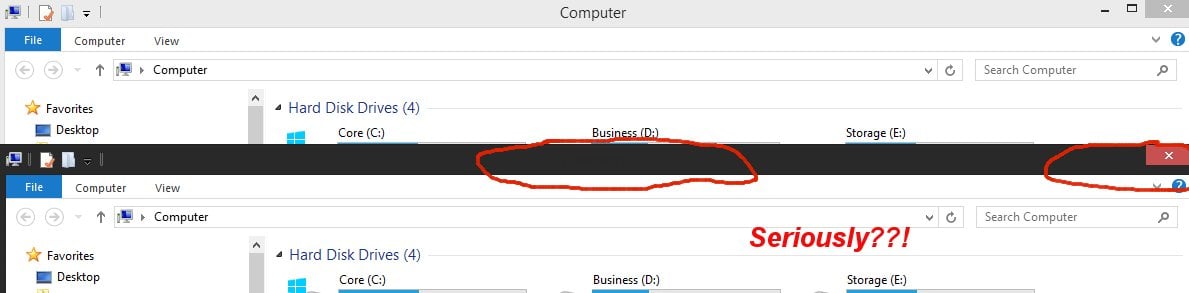
NOTE: This trick automatically sets white color to window borders and doesn’t enable you set a custom color to window borders. For example, you can’t use this trick to set green color to the taskbar and blue to window borders.
Simply follow the given below instructions to enable the feature and then set different colors to window border and taskbar in Windows 8.
Method 1
Step 1: Download Aero8Tuner from
this place. Extract the zip file to get Aero8Tuner.
Step 2: Run the tool, disable
Enable Window Colorization option to set white color to window borders.
 Method 2
Step 1:
Method 2
Step 1: Open Registry Editor. To do this, simultaneously press Windows + R keys to bring up the Run dialog, type Regedit.exe in the box and press enter key. Click Yes for the UAC prompt.
 Step 2:
 Once the Registry Editor launched, navigate to the following key:
HKEY_CURRENT_USER\Software\Microsoft\Windows\DWM
 Step 3:
 On the right-side, double-click on EnableWindowColorization and change the default value data to 1. Close Registry Editor.
 Step 4:
 To see different colors on taskbar and window borders, you need to restart the Desktop Window Manager (DWM). To do that, open Task Manager, click More details to see all running processes, right-click on Desktop Window Manager , click End task.
 Step 5:
 You will see the confirmation dialog. Enable Abandon unsaved data and shut down option (worry not, it won’t shut down or restart your PC) and then click Shut down button to restart Desktop Window Manager. You are done! You should now see white color for window borders.